Best for
Customers who want to install wordpress using softaculous in cpanel without confusion or risky guesswork.
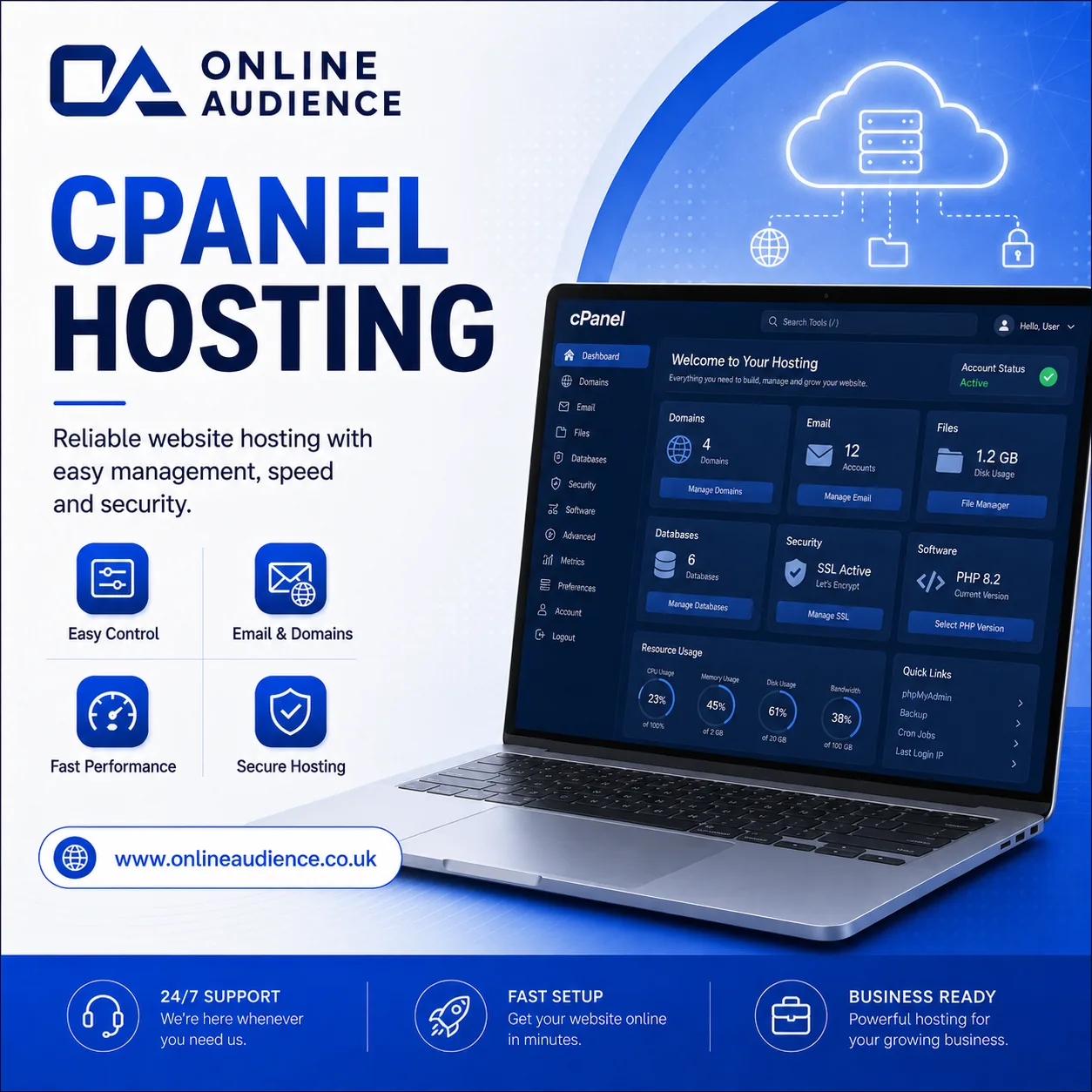
Install WordPress quickly from cPanel using Softaculous or WordPress Toolkit with SSL, a secure admin user and the correct domain path.
Rock-solid reliability you can count on
Real people, real help when you need it
Guided setup and transfer support
Optimised infrastructure for performance
Practical data protection workflows
Install WordPress quickly from cPanel using Softaculous or WordPress Toolkit with SSL, a secure admin user and the correct domain path. This guide is written for customers who want clear, practical steps instead of confusing technical jargon.
Customers who want to install wordpress using softaculous in cpanel without confusion or risky guesswork.
Most routine panel tasks only take a few minutes once you know where the right menu lives.
If your panel does not look the same, or something feels unclear, our support team can guide you through it.
Use this guide as a practical checklist. The exact wording in your control panel can vary slightly depending on theme, permissions and package type.
Keep usernames, passwords, stream details and domain records stored securely. When working with websites or radio services, small spelling mistakes in usernames, ports, domains or file paths can stop a setup from working properly.
Where possible, test changes before relying on them for a live public broadcast or customer-facing website.
Our team supports radio hosting, web hosting, client area access, station websites, stream links, SSL, domains and service setup. If you are unsure about the next step, open a ticket with a short description and screenshots where possible.
For service changes, account-specific checks or anything that may affect your live station, using a support ticket is usually the safest route because it keeps the request structured and trackable.
“Online Audience made our launch simple, professional and reliable from day one.”
Station Owner
“Fast support, clear pricing and a setup that finally feels easy to manage.”
Business Owner
“The platform is stable, the team understands hosting, and clients get a better experience.”
Web Developer
Continue learning or choose a service path that fits your setup.
Online Audience helps broadcasters, businesses and creators manage hosting, streaming, websites and support routes from one professional service provider.